


Our score: 7.4/10
SaneBox is a lightweight, inbox-management layer that works with any IMAP or hosted email service and automates triage, snoozes, and follow-ups — useful if you want passive cleanup without moving to a new client. It’s best for freelancers, founders, and small teams who check mail from multiple apps and want fewer distractions. Main caveat: the company does not publish plan pricing on the public pricing page, and you must give SaneBox access to your mailbox.
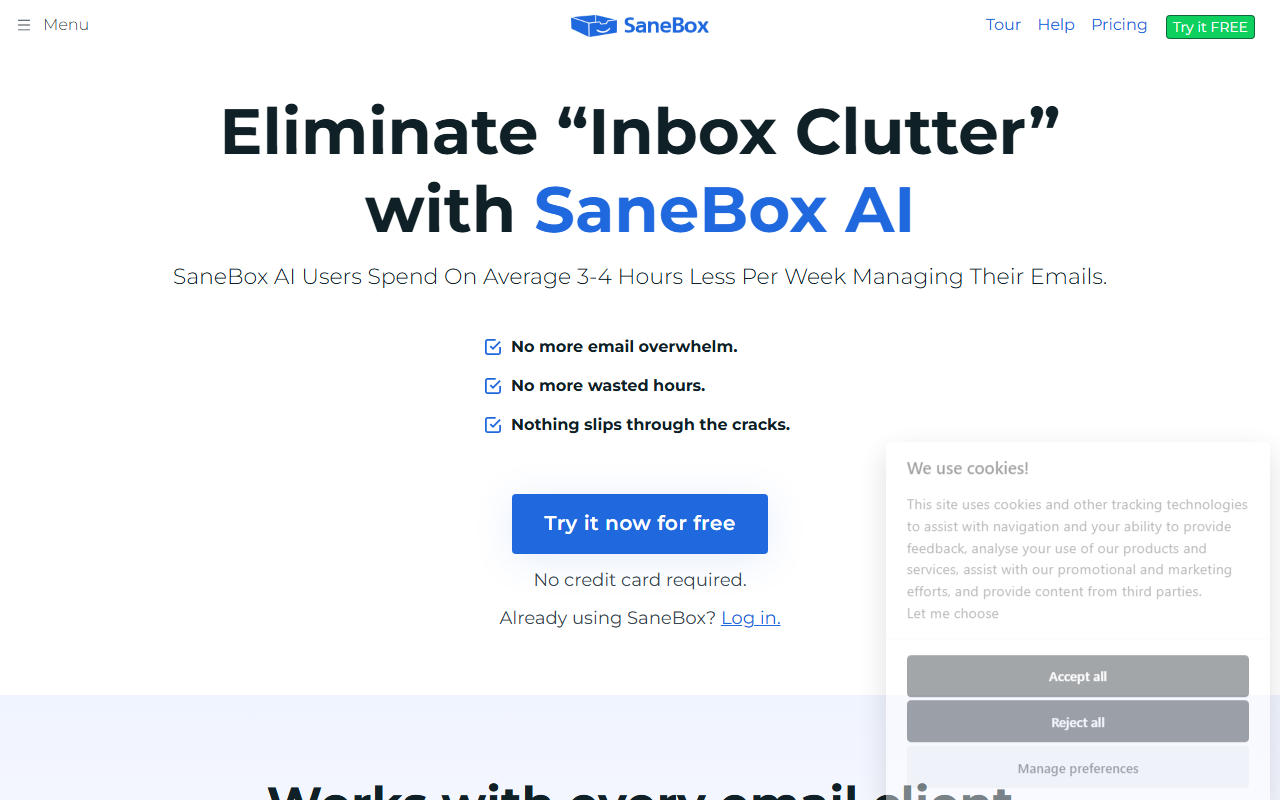
🔎 What is SaneBox?
SaneBox is an email-management service that sits on top of your existing inbox and uses rules and machine learning to filter unimportant messages, surface summaries, and handle simple workflows such as snoozing and follow-ups. It does not replace your email client; instead it moves or flags messages so your regular Gmail, Outlook, Apple Mail, or other client shows a cleaner primary inbox.
The product emphasizes low-friction setup: you connect SaneBox to your mailbox, it analyzes message patterns, and then begins moving messages to folders like SaneLater or a digest. It also offers one-click unsubscribe, a daily digest, BlackHole blocking, and reminder features for follow-ups.
🧩 Key features
- AI-assisted filtering that separates low-priority mail from your primary inbox.
- One-click unsubscribe to remove unwanted senders quickly.
- Follow-up reminders so messages that need responses get bumped back to your attention.
- Snooze functionality to hide messages until you want them.
- BlackHole to permanently block persistent senders from your inbox.
- Daily Digest: a summarized list of unimportant emails you haven’t opened yet.
- Works with any email client — no app install required, uses server-side filtering.
- No-credit-card free trial available from the homepage.
💰 SaneBox pricing and plans
| Plan | Price | Best for |
|---|---|---|
| Details not published on the pricing page | not published | not published |
The publicly accessible pricing page included on SaneBox’s site does not list specific plan names, per-user prices, or tier details. The homepage does advertise a free trial with no credit card required, but if you need exact subscription costs or business-tier pricing you will have to contact SaneBox or log in to the trial to see offers or request a custom quote.
✅ Pros
- Works with any email client—keeps your existing workflow and apps.
- Low setup friction: server-side filtering without installing a new mail client.
- Practical features like snooze, follow-ups, and one-click unsubscribe reduce inbox noise.
- Daily Digest provides a lightweight, skimmable summary of low-priority mail.
- BlackHole is a simple, effective way to block repeat senders permanently.
⚠️ Cons and limitations
- Pricing details are not published on the public pricing page, so you can’t compare tiers or exact costs without contacting the company or starting a trial.
- You must grant SaneBox access to your mailbox, which raises legitimate privacy and compliance questions for some businesses and individuals.
- Filtering decisions are automated and sometimes opaque — important messages can be misclassified into SaneLater or digests, so you’ll need to check secondary folders regularly.
- Not a standalone email client: it augments your inbox but won’t fix problems that require custom rules or deeper client-side automation.
👥 Who should use SaneBox?
SaneBox is a good fit if you manage multiple inboxes or use different email clients and want an unobtrusive way to reduce interruptions without changing how you read email. Freelancers, small teams, and founders who need simple triage, snooze, and follow-up reminders will get the most value because SaneBox works as a neutral layer across providers.
It’s less useful if you need full control over every filter, require transparent on-premises processing for compliance, or prefer a built-in solution inside a single ecosystem (for example Gmail labels and filters). Also factor in the lack of publicly listed pricing if you need predictable per-seat budgeting for a team.
🔄 SaneBox alternatives
- Gmail filters and Priority Inbox — Free built-in filtering if you’re fully inside Gmail and want native controls.
- Clean Email — A consumer-focused inbox cleanup tool with bulk actions and subscription management.
- Superhuman — A paid email client with built-in productivity workflows and shortcuts (different approach: replaces client rather than layering on top).
🏁 Final verdict
SaneBox is a pragmatic, low-friction option for professionals who want fewer inbox interruptions without switching mail clients. Its core features—automatic triage, snooze, follow-ups, and an unsubscribe tool—address common pain points and play nicely with existing tools.
Before you commit, be aware that pricing details aren’t published on the public pricing page and you’ll need to give the service access to your mailbox. If you’re comfortable with that tradeoff and want a lightweight way to reclaim time from email, SaneBox is worth testing during its free trial.
❓ SaneBox FAQ
Does SaneBox work with Gmail, Outlook, and other clients?
Yes. The homepage states SaneBox works with every email client and requires no download; it operates as a layer on top of your existing mailbox.
How much does SaneBox cost?
Specific plan prices and tier details are not published on the public pricing page. The site does advertise a free trial with no credit card required; for exact costs you’ll need to contact SaneBox or start a trial.
Does SaneBox read my email?
SaneBox needs access to your mailbox to analyze and move messages. The company provides security and data policy pages, so review those documents and your own privacy requirements before connecting business or sensitive accounts.
Can SaneBox unsubscribe me automatically?
SaneBox offers a one-click unsubscribe option for unwanted senders, and tools like BlackHole to permanently block senders, but you should verify removals in your account since automated actions can vary by sender behavior.