


Our score: 7.1/10
Beautiful.ai is best for individuals and small teams that need fast, branded slide decks without hiring a designer. It pairs AI content tools with auto-aligning Smart Slides to speed up routine decks. Main caveat: customization and certain collaboration/security features are gated to higher tiers, and team sizing can be limited unless you upgrade to Enterprise.
🔎 What is Beautiful.ai?
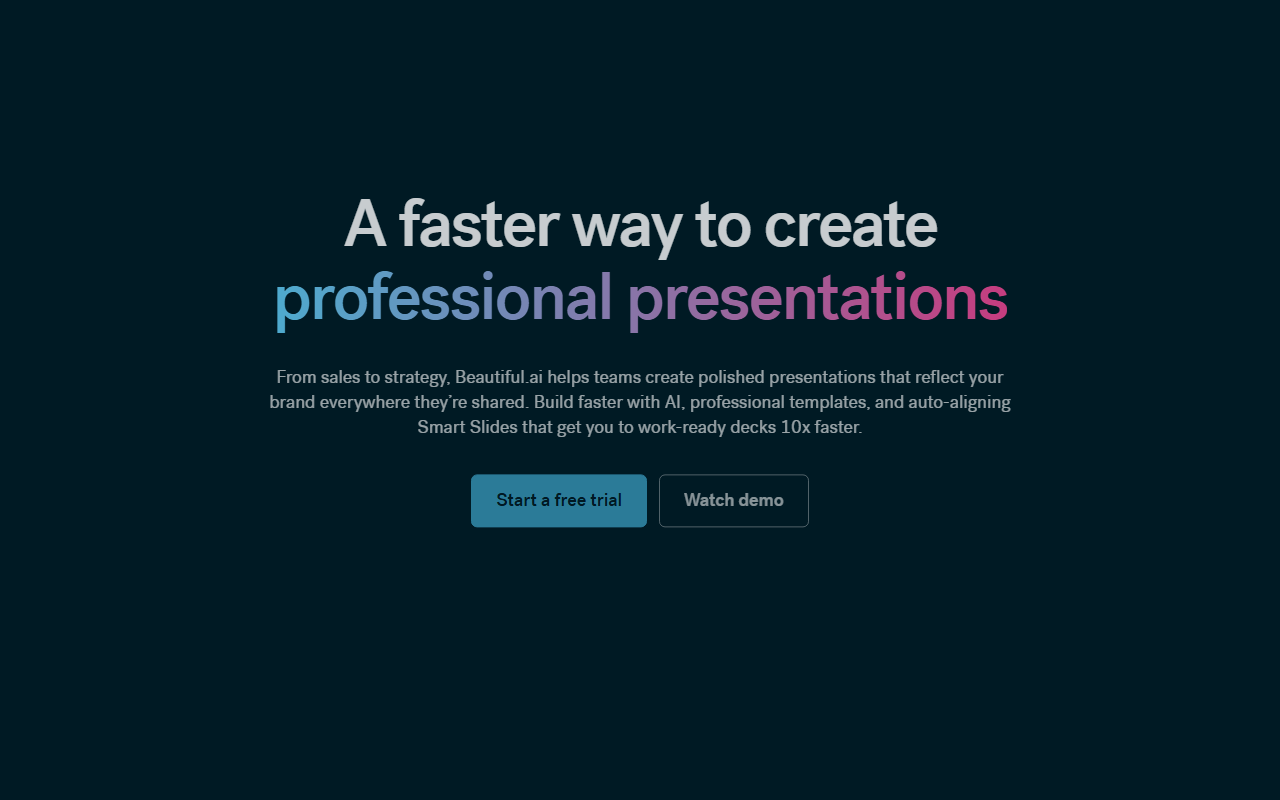
Beautiful.ai is a cloud-based presentation tool that emphasizes speed and visual consistency. It uses AI-assisted workflows and a library of Smart Slide layouts to automate alignment and basic design decisions so you spend less time fiddling with slide layout and more time on content.
The product targets individual professionals, small teams, and enterprises that want brand-controlled templates, collaborative editing, and built-in analytics. It includes AI writing and image generation, slide templates, and export options like PowerPoint and PDF.
🧩 Key features
- AI-assisted content generation (writing and image generation)
- 300+ Smart Slide layouts with auto-formatting and auto-alignment
- Custom branding and theme builder (colors, fonts, logos, icons, footers)
- Collaboration workspace with real-time editing, version control, and locked slides (Team)
- Viewer and slide analytics, engagement alerts, and live data linking to charts & tables (Team)
- PowerPoint import/export and PDF export
- Shared asset and template libraries, and slide animation options
- Enterprise-grade security features available for Enterprise customers (SSO, SOC 2 Type II, GDPR, etc.)
💰 Beautiful.ai pricing and plans
| Plan | Price (as listed) | Best for |
|---|---|---|
| Pro (Individual) | $14.50 /mo billed annually | Individuals who want powerful presentation tools |
| Pro (Monthly single-project option) | $45 (Everything in Pro plan, billed monthly) | Ad hoc, one-off presentations |
| Teams (2–20 seats) | $50 /mo/user billed monthly; $40 /mo/user billed annually | Collaborating small teams that need workspaces and analytics |
| Enterprise | Custom — contact sales | Organizations that require security, support, and control |
Beautiful.ai also offers a 14-day free trial (credit card required) that gives unrestricted access to Pro or Team features. For pricing or custom options beyond these published tiers you need to contact sales or request a demo; SMB flat-rate plans are mentioned but pricing is not published.
✅ Pros
- Fast deck creation with Smart Slides and AI content generation
- Consistent, branded output via custom themes and shared libraries
- Built-in analytics and engagement tracking for teams
- PowerPoint import/export and standard distribution options
- Enterprise security and admin controls available for larger orgs
⚠️ Cons and limitations
- Design flexibility can feel constrained—Smart Slides enforce layouts that can be hard to fully customize.
- Team plan seats are limited to 2–20 users; larger teams need Enterprise (custom pricing).
- Some collaboration, data-linking, and advanced security features are restricted to Team or Enterprise tiers.
- Monthly billing for short-term use is relatively expensive compared with the annual Pro rate (the one-off monthly Pro option is priced at $45).
👥 Who should use Beautiful.ai?
Choose Beautiful.ai if you regularly produce slide decks and want to cut design time—freelancers, solo founders, marketers, and small sales teams will appreciate the templates, AI writing, and brand theme controls. It’s especially useful when you need consistent visual quality across multiple people without a dedicated designer.
It’s less suitable if you need very granular layout control, have a large organization (more than 20 collaborative seats) without an Enterprise contract, or require advanced customization and integrations that only appear in higher tiers.
🔄 Beautiful.ai alternatives
- Canva — easy templates and collaboration with broader graphic design features.
- Google Slides — straightforward collaboration and free access tied to Google Workspace.
- Microsoft PowerPoint (with Designer) — deep feature set and enterprise deployment with Office 365 integration.
🏁 Final verdict
Beautiful.ai delivers a pragmatic balance of AI-assisted content tools and template-driven slide design that saves time for individuals and small teams. The product shines when you want consistent, brand-compliant decks quickly and value built-in analytics and simple collaboration.
However, expect constrained design flexibility if you like to micro-edit every element, and plan for higher costs or Enterprise discussions if you need more than 20 collaborative seats or advanced security and admin features. For many freelancers and small teams, it’s a solid productivity-focused choice; for large orgs or heavy customizers, evaluate the Enterprise option or other tools.
❓ Beautiful.ai FAQ
Does Beautiful.ai offer a free trial?
Yes — there is a 14-day free trial for Pro or Team features. A credit card is required and you will be charged if you don't cancel before the trial ends.
How much does Beautiful.ai cost?
Published prices include Pro (individual) at $14.50/month billed annually; a monthly Pro one-off option at $45; Teams at $50/month/user billed monthly or $40/month/user billed annually; Enterprise pricing is custom and requires contacting sales. SMB flat rates are mentioned but not published.
What AI features are included?
The published plan details list unlimited AI content generation, AI image generation, AI writing assistant, and AI language translation as part of Pro and Teams features.
What collaboration and security features are limited to higher tiers?
Workspace collaboration, live collaborative editing, shared libraries, live data linking, viewer analytics and engagement alerts are Team features; SSO, SCIM provisioning, audit logs, and other advanced admin/security controls are in Enterprise.