


Our score: 7.2/10
Murf AI is a polished text-to-voice studio and TTS API that works well for solo creators, marketers, and teams producing scripted voiceovers and localized dubbing. It offers 200+ voices, 30+ languages/accents, integrations (Canva, PowerPoint) and an API—at clear price points for Creator and Business tiers. The main caveat is seat and usage limits on paid tiers and several advanced features reserved for Business or Enterprise.
🔎 What is Murf AI?
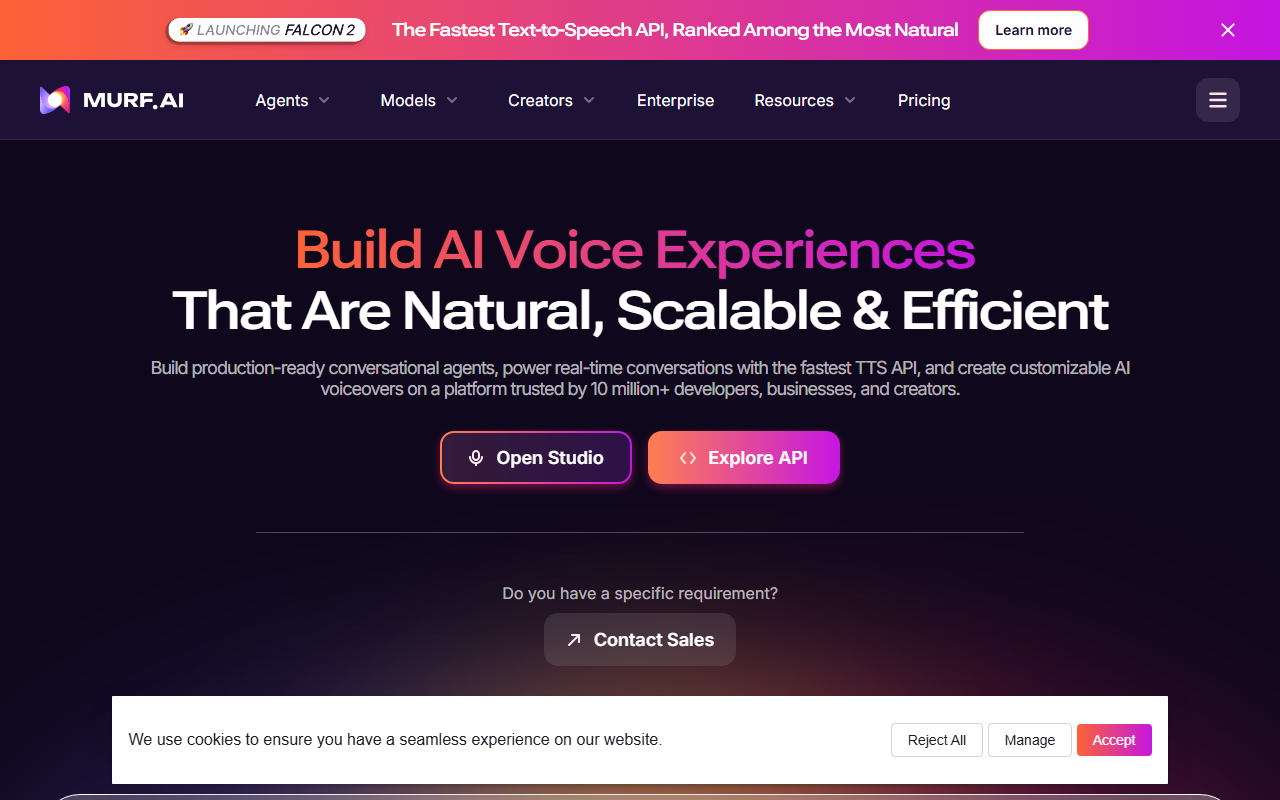
Murf AI is a cloud-based voice-over studio and text-to-speech platform with a separate API offering for embedding TTS into apps and conversational agents. It combines a browser studio for creating voiceovers, a dubbing/localization workflow, and an API for scalable, real-time TTS.
The product targets creators, e-learning teams, marketers, and businesses that need many voice styles and integrations. On the product comparison Murf lists 200+ voices, 30+ languages and accents, and features ranging from basic editor controls in the Creator plan to enterprise-grade integrations, custom voice clones, and SSO for larger organizations.
🧩 Key features
- 200+ prebuilt voices and multiple voice styles/tone controls.
- Support for 30+ languages and accents for localization and dubbing.
- Studio editor for script-to-voice with pronunciation controls and downloadable audio.
- API for fast TTS and building conversational voice agents.
- Integrations including Canva and PowerPoint; PowerPoint plugin available on Business and up.
- Audio-to-text transcription and dubbing/localization workflows (Business and Enterprise).
- Enterprise add-ons: custom voice clones, SSO, and advanced security/compliance features.
- Pronunciation library, emphasis/variability controls, and ‘Say It My Way’ style options (some gated by plan).
💰 Murf AI pricing and plans
| Plan | Price (from source) | Best for |
|---|---|---|
| Free | $0 / month ($0 Billed Annually) | Get started. No Credit Card required |
| Creator | $19 / month ($228 Billed Annually) | Starter plan to create voiceovers for Individuals & Freelancers |
| Business | $66 / month ($792 Billed Annually) | Advanced Plan with Rich Features for High-Usage Business Needs |
| Enterprise | Custom (Contact Sales) | Unlimited Access, Enterprise-grade Security & Support |
Murf’s public pricing shows a Free tier plus two published paid tiers: Creator ($19/mo billed annually) and Business ($66/mo billed annually). Enterprise is a custom-priced plan that requires contacting sales. The site also highlights yearly billing saves 33% and shows which features are limited to Business or Enterprise.
✅ Pros
- Large voice library (200+ voices) and broad language/accents support (30+).
- Studio plus API—good for both one-off voiceovers and integrated TTS services.
- Useful integrations (Canva, PowerPoint) and unlimited downloads on paid plans.
- Enterprise features (SSO, compliance, custom voice clones available as add-ons) for larger teams.
- Audio-to-text and dubbing/localization features at Business and Enterprise levels.
⚠️ Cons and limitations
- Editor seats limited: Creator and Business plans include only 1 editor seat—poor fit for collaborative teams without Enterprise.
- Usage caps on paid plans: Creator is limited to 24 hours/year of voice generation and Business to 96 hours/year (Free is more restrictive); heavy users will need Enterprise or add-ons.
- Several advanced controls (Emphasis, Variability, Say It My Way) and deletion recovery are restricted to Business/Enterprise tiers.
- Custom voice clones and some custom integrations are Enterprise add-ons, which raises cost and procurement complexity for teams wanting bespoke voices.
👥 Who should use Murf AI?
Use Murf if you produce frequent scripted voiceovers, explainer videos, e-learning modules, or marketing assets and you value a polished studio plus an API you can scale into apps. Solo creators and freelancers will find the Creator plan competitive for individual work because it includes 200+ voices, commercial rights, and unlimited downloads.
If your workflow requires multiple simultaneous editors, heavy annual voice-generation hours, or enterprise security/compliance and custom voice cloning out of the box, expect to move to an Enterprise contract. Small teams that need collaboration features should evaluate the seat limits and feature gating before committing.
🔄 Murf AI alternatives
- Descript — Combines multitrack audio/video editing with text-based overdub and collaboration features.
- ElevenLabs — Known for highly natural-sounding TTS and voice cloning; often chosen for realism.
- Google Cloud Text-to-Speech — Scalable pay-as-you-go API with many voice model options and enterprise SLAs.
🏁 Final verdict
Murf AI is a capable and well-packaged voice studio with a clear path from single-creator workflows to enterprise deployments. Its voice catalog, integrations, and API make it practical for marketers, course creators, and product teams who need readable, consistent voiceovers and localization tools.
That said, the published plans intentionally limit editor seats and yearly generation time, and several usability controls are reserved for Business or Enterprise customers. If your work is collaborative or usage-heavy, factor in Enterprise pricing and procurement before committing.
❓ Murf AI FAQ
Can I use Murf voices for commercial projects?
Yes — commercial rights are included on paid plans (Creator and Business). The Free/trial offering does not include commercial rights.
Does Murf offer custom voice cloning?
Yes, but custom voice clones are listed as an Enterprise add-on and require contacting sales.
How many voices and languages does Murf provide?
Murf publishes 200+ voices and 30+ languages and accents across plans; custom voices and languages are available at the Enterprise level.
Can teams collaborate on projects in Creator or Business plans?
Collaboration features are limited: Creator and Business plans include only one editor seat. Enterprise supports custom editors, sharing/collaboration, SSO, and additional account management features.